Support — ROTA: Dual Cam & Navigation
About the App
ROTA lets you:
Record from both front and rear cameras simultaneously
Use smart navigation with live route guidance and ETA
Save videos and path snapshots directly to your device
Customize recording options like quality, frame rate, and overlays
All data stays securely on your device — ROTA does not collect or share personal data.
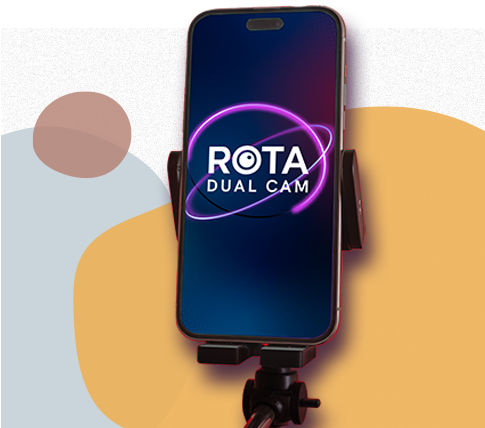
Live the Moment, Let Technology Record It
Recording Issues
Ensure both Camera and Microphone permissions are granted.
If recording stops unexpectedly, check available storage space.
Restart the app after changing camera or audio settings.
️ Navigation Issues
Make sure Location Services are enabled in Settings → Privacy → Location Services → ROTA.
If the route doesn’t update, toggle airplane mode or restart location services.
️ Audio Not Recording
Verify that Record Audio toggle is ON in Controls.
If music stops during recording, this is normal behavior to prioritize microphone input.
Saving Videos
ROTA saves recordings to your Photos app.
If saving fails, confirm that Photos Access is allowed under Settings → Privacy → Photos → ROTA.
App Crashes or Freezes
Force-quit and relaunch the app.
Make sure you’re using the latest version from the App Store.
If the issue continues, contact support with details (device model, iOS version, and steps to reproduce).
Subscriptions and Billing
ROTA Premium offers monthly and annual subscriptions.
All payments are processed by Apple.
You can manage or cancel subscriptions anytime from
Settings → Apple ID → Subscriptions.
If you encounter billing issues, contact Apple Support, as the developer does not handle payments directly.
Contact Support
For help, feedback, or bug reports:
rotadualcam@gmail.com
Please include:
App version (visible in Settings or App Store)
Device model and iOS version
A short description or screenshots of the issue
We usually respond within 1–2 business days.

